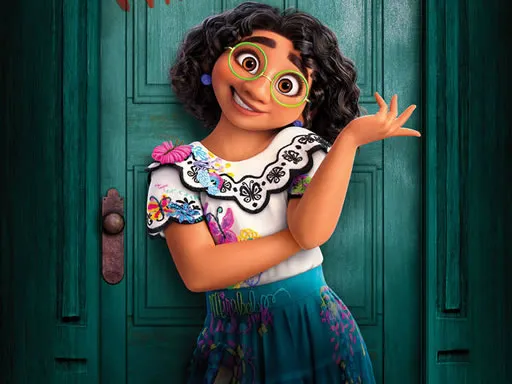
Mickeys Club House Jigsaw
Played 2 times.


About Mickeys Club House Jigsaw
Jigsaws are a classic for a reason, and this one lets you scale the challenge to the player. Mickeys Club House Jigsaw offers twelve pictures, and for each you can choose an easy 25-piece, a medium 49-piece or a hard 100-piece puzzle.
That flexibility means a small child and an older sibling can both find a version that fits. Controls are as simple as they get: work with a mouse, or tap and drag with a finger. Starting at the edges and working toward the middle is a reliable plan, and the satisfying finish arrives when the last piece snaps in. It plays right in your browser on a computer, tablet or phone.
Game details
| Genre | Puzzle |
|---|---|
| Controls | Mouse or touch |
| Platform | Browser, phone and tablet |
| Cost | Free, no download |
| Screen | 1280 x 720 px |
How to play Mickeys Club House Jigsaw
- Pick a picture from the twelve on offer.
- Choose easy, medium or hard to set the number of pieces.
- Drag each piece with the mouse or your finger into its place.
- Keep going until the whole picture is complete.
Tips for Mickeys Club House Jigsaw
- Younger players can begin with the 25-piece puzzle and work up from there.
- Build the outer frame first, then fill in the middle by color.
- On bigger puzzles, finish one small area at a time instead of jumping around.
Frequently asked questions
Is Mickeys Club House Jigsaw free to play?
Yes. Mickeys Club House Jigsaw is free, runs in your browser, and needs no download or sign-up.
How do I play Mickeys Club House Jigsaw on a phone?
Tap and drag pieces with your finger. On a computer, drag them with the mouse.
How many pieces can I choose in Mickeys Club House Jigsaw?
You can pick 25 pieces for easy, 49 for medium or 100 for hard, whichever of the 12 pictures you open.
More to play: Puzzle games · Fun games · Jigsaw games · Kids games
Categories Tags Comments