Looking For The Words
Played 2 times.


About Looking For The Words
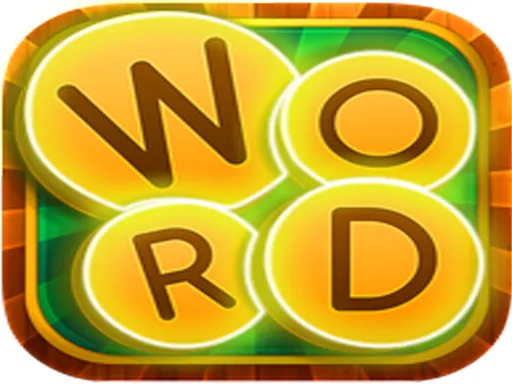
Swipe a row of letters in the right order and watch the block turn blue when it spells something real. Looking For The Words is a one-player word puzzle with an arcade streak, built around quick pattern spotting and a good memory for letters.
You drag across letter blocks horizontally or vertically, and a correct word locks in automatically. The blocks also carry messages, so paying attention to what is written on them pays off as you move up through the levels. It is a tidy pick for word fans who like something lighter than a crossword, and it runs in the browser on both desktop and mobile.
Game details
| Genre | Puzzle |
|---|---|
| Controls | Mouse or touch |
| Platform | Browser, phone and tablet |
| Cost | Free, no download |
| Screen | 800 x 600 px |
How to play Looking For The Words
- Look over the grid of letters before you move.
- Press and swipe across letters in a straight line, horizontally or vertically.
- Release when you have spelled a word; if it is valid, the letters turn blue.
- Match the remaining words one by one to clear the level.
Tips for Looking For The Words
- Start with short, obvious words to open up space before hunting for the long ones.
- Read any text printed on the blocks carefully; it can point you toward the words you need.
- If a swipe does not turn blue, try the same letters in reverse order or a different line.
Frequently asked questions
Is Looking For The Words free to play?
Yes. It is free, plays in your browser, and needs no download or sign-up.
How do I select letters in Looking For The Words?
Press and swipe across letters in a straight line, either horizontally or vertically, using a mouse or your finger.
How do I know a word is correct in Looking For The Words?
When the selected letters form a valid word in the right order, they turn blue automatically.
More to play: Puzzle games · Arcade games
Categories Tags Comments