Knight Rider
Played 1 times.


About Knight Rider
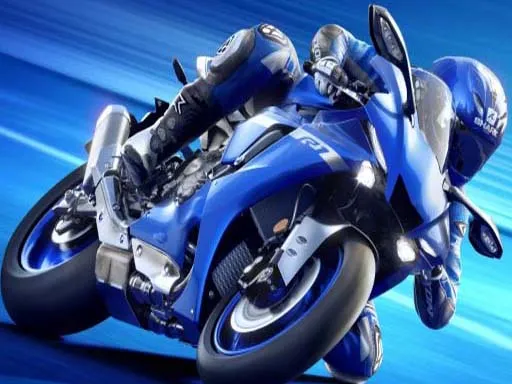
Balancing a motorcycle in the air is a skill, and this game turns it into the main event. Knight Rider is a bike stunt game with plenty of challenges, where the key to success is controlling your speed and acceleration.
On a computer, W or Up accelerates, S or Down slows you, and A and D rotate the bike. On a phone you get on-screen buttons that do the same jobs. Good stunt riding comes from patience, since too much throttle sends you into a spin while too little leaves you short of the landing.
Game details
| Genre | Racing |
|---|---|
| Controls | Mouse or touch |
| Platform | Browser, phone and tablet |
| Cost | Free, no download |
| Screen | 960 x 540 px |
How to play Knight Rider
- Start a challenge and get your bike moving.
- Press W or the Up arrow to accelerate and S or the Down arrow to slow down.
- Use A and D, or the Left and Right arrows, to rotate the bike.
- On a phone, use the on-screen buttons instead.
Tips for Knight Rider
- Watch your rotation in the air and counter it early so you land on both wheels.
- Smooth, small throttle adjustments work better than holding the key down.
- Practise one stunt at a time until its timing feels natural.
Frequently asked questions
Is Knight Rider free to play?
Yes. Knight Rider is free in your browser, with no download and no sign-up.
How do I control Knight Rider?
On a computer, use W or Up and S or Down for speed, and A, D or the side arrows to rotate. On mobile, use the on-screen buttons.
What is the key to doing well in Knight Rider?
Control your speed and acceleration carefully. Matching throttle to your rotation helps you land stunts and get through the challenges.
More to play: Racing games
Popular topics: bike · motorcycle · stunts
Categories Tags Comments