Jigsaw Puzzles Classic
Played 2 times.


About Jigsaw Puzzles Classic
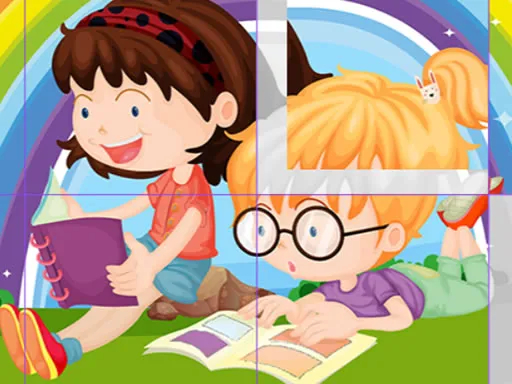
Few puzzle formats age as well as the jigsaw, and Jigsaw Puzzles Classic sticks to the formula without clutter. You drag pieces around the screen and drop them where they fit, just like working at a kitchen table, minus the lost pieces under the sofa.
You can choose how hard you want it, from easier boards up to more demanding ones that ask for patience. Because there is no pressure built into the idea, it makes a relaxed pick for families who like to share a screen. It runs in the browser and responds to a mouse or a finger, so it fits a laptop, phone or tablet equally well.
Game details
| Genre | Puzzle |
|---|---|
| Controls | Mouse or touch |
| Platform | Browser, phone and tablet |
| Cost | Free, no download |
| Screen | 800 x 600 px |
How to play Jigsaw Puzzles Classic
- Choose a puzzle and a difficulty that suits you.
- Drag a piece with the mouse or your finger.
- Drop it beside the pieces it connects to.
- Keep going until the whole picture is assembled.
Tips for Jigsaw Puzzles Classic
- Sort out the edge pieces first; a finished border gives you a frame to build inside.
- Group pieces by color or pattern in your head before searching for a match.
- If you are stuck, work on a different corner and return with fresh eyes.
Frequently asked questions
Is Jigsaw Puzzles Classic free?
Yes. Jigsaw Puzzles Classic is free, runs in your browser, and needs no download or sign-up.
How do I place pieces in Jigsaw Puzzles Classic?
Drag and drop them, using a mouse on a computer or your finger on a touch screen.
Can I choose how hard Jigsaw Puzzles Classic is?
Yes, you can pick puzzles ranging from easier ones to more difficult boards, depending on how much of a challenge you want.
More to play: Puzzle games · Casual games · Jigsaw games
Categories Tags Comments