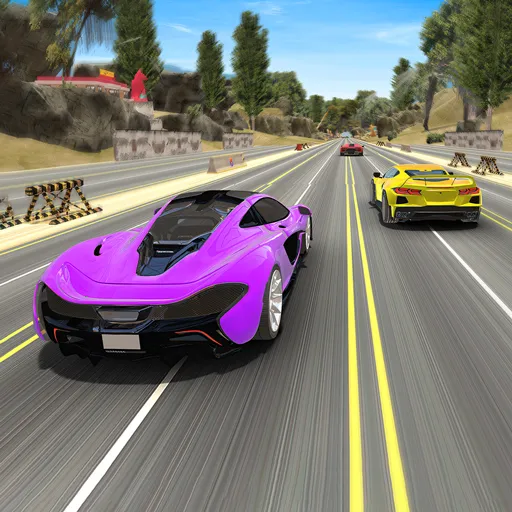
Insane Track Supercars
Played 2 times.


About Insane Track Supercars
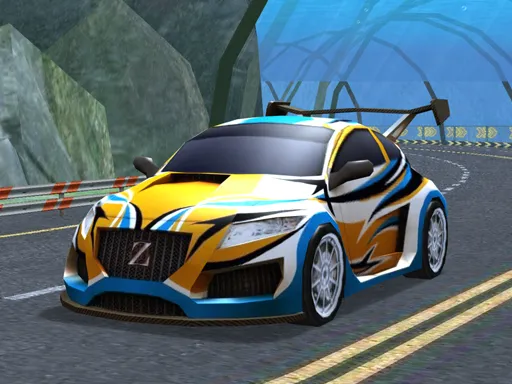
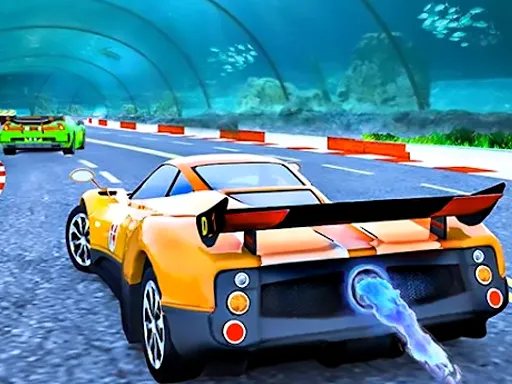
A wild circuit calls for a fast car, and this game lets you choose. Insane Track Supercars offers a selection of supercars that you can drive across a track with a reputation for being difficult.
Nothing here gets in the way of the driving: WASD steers and accelerates, Space brakes, and C changes the camera. That makes it simple to start, and the 3D scenery adds a sense of speed. If you like comparing cars on the same course, you can swap between them and see which one handles best. It uses Unity in the browser, and it is free with no downloading.
Game details
| Genre | Racing |
|---|---|
| Controls | Keyboard |
| Platform | Browser, phone and tablet |
| Cost | Free, no download |
| Screen | 960 x 600 px |
How to play Insane Track Supercars
- Open the game and select a supercar.
- Drive with the W, A, S and D keys.
- Press Space to brake.
- Press C to change the camera.
- Drive around the track and learn its tough spots.
Tips for Insane Track Supercars
- Lift off before sharp corners; supercars gain speed so quickly that late braking is risky.
- Learn the track by driving slowly through the hardest section once.
- Try a different camera when you cannot see the turns coming.
Frequently asked questions
Is Insane Track Supercars free to play?
Yes. Insane Track Supercars is free, runs in your browser and needs no download or sign-up.
What controls does Insane Track Supercars use?
Use W, A, S and D to drive, Space to brake and C to change the camera.
What can I drive in Insane Track Supercars?
Choose among several supercars and take them round the wild track.
More to play: Racing games · 3D games · Car games · Simulation games
Categories Tags Comments