HyperDoll
Played 1 times.


About HyperDoll
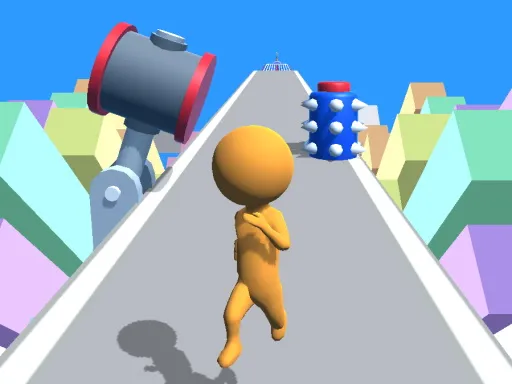
One finger is all it takes to run this stickman battle. HyperDoll lets you control a sword-wielding superhero and cut down the enemies in your way. You do not have to juggle buttons: you simply give the character a direction, and he handles the rest by hitting whatever he meets.
On a computer you steer with the mouse wheel, and on a phone you glide a finger across the display. That mix of simplicity and quick reflexes makes each fight tense without ever being confusing. Matches go quickly, so you can try a few in a row. It is free, loads in the browser and is listed for both kids and older players.
Game details
| Genre | Stickman |
|---|---|
| Controls | Mouse or touch |
| Platform | Browser, phone and tablet |
| Cost | Free, no download |
| Screen | 800 x 450 px |
How to play HyperDoll
- On a computer, use the mouse wheel to set the character's heading.
- On mobile, glide your finger to point him where you want to go.
- Strike enemies with the hero's sword.
- Keep going until no opponents remain.
Tips for HyperDoll
- Change direction early, because the hero keeps moving once you point him somewhere.
- Target enemies one at a time instead of rushing toward a group.
- Use short, controlled movements for accuracy and save big sweeps for open space.
Frequently asked questions
Is HyperDoll free to play?
Yes. HyperDoll is free and plays in your browser, with no download and no sign-up.
How do I control HyperDoll?
On a computer, use the mouse wheel to set his heading. On a phone or tablet, glide your finger across the display.
What is the goal in HyperDoll?
You steer a sword-wielding stickman superhero and try to defeat every enemy by slashing into them.
More to play: Stickman games · Kids games · Platform games
Categories Tags Comments