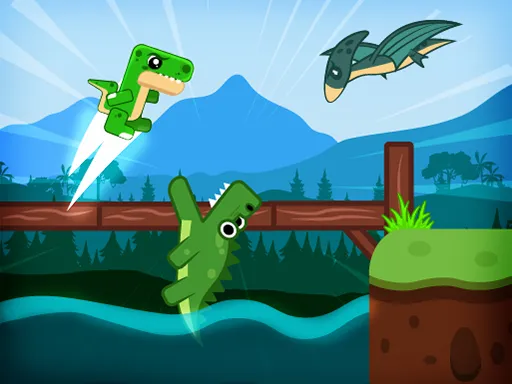
Huggy Puzzle 3
Played 1 times.


About Huggy Puzzle 3
Three levels, one drag-and-hold mechanic. Huggy Puzzle 3 keeps things compact: a small play area, a short ladder of difficulty that climbs from gentle to tough, and puzzles that you solve by dragging things where they belong.
The controls are minimal, so the challenge comes from working out the right order of moves. If a move goes wrong, press R and start the level fresh; quick resets are part of the rhythm. Try the first level to learn how the dragging feels, then move up once you are comfortable. It runs on a computer or a phone, with nothing to install.
Game details
| Genre | Puzzle |
|---|---|
| Controls | Mouse or touch |
| Platform | Browser, phone and tablet |
| Cost | Free, no download |
| Screen | 320 x 180 px |
How to play Huggy Puzzle 3
- Pick the first level and study what needs to be moved.
- Press and hold on a piece, then drag it to where you want it.
- Press R on the keyboard to reset the level if you get stuck.
- Clear all three levels to finish the game.
Tips for Huggy Puzzle 3
- Learn the dragging on the first level before you worry about speed.
- Do not be shy about resetting; a fresh start often reveals the cleaner solution.
- Plan two moves ahead, since one wrong drag can block the path.
Frequently asked questions
Is Huggy Puzzle 3 free to play?
Yes. Huggy Puzzle 3 is free, runs right in your browser, and needs no download or sign-up.
What are the controls in Huggy Puzzle 3?
Hold and drag with the mouse or your finger to move pieces, and press R on a keyboard to reset the current level.
How many levels does Huggy Puzzle 3 have?
It has three levels, stepping up in difficulty from easy through medium to hard.
More to play: Puzzle games · Action games
Categories Tags Comments