Hammer 2
Played 1 times.


About Hammer 2
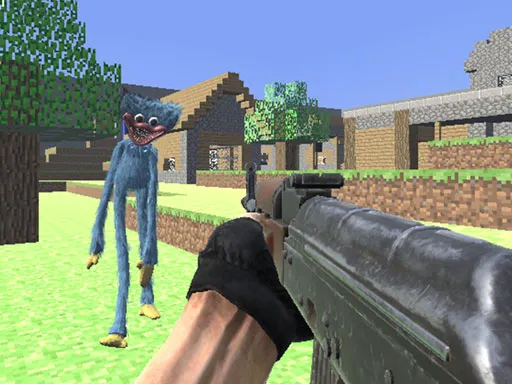
Some shooters bury you in menus. Hammer 2 does the opposite: it is a one-player 3D shooter whose entire pitch comes down to clearing out the opposition. There is very little explanation, so the game is about picking up the controls and finding your feet fast.
Movement uses the WASD keys, which most people already know from other shooters, and the action is viewed in three dimensions. Because the details are sparse, expect to learn the rules as you play rather than from a tutorial. It runs directly in the browser, with no installs to slow you down.
Game details
| Genre | Shooting |
|---|---|
| Controls | Keyboard |
| Platform | Browser, phone and tablet |
| Cost | Free, no download |
| Screen | 800 x 600 px |
How to play Hammer 2
- Use the W, A, S and D keys to move.
- Find your enemies as you explore.
- Shoot them before they get to you.
- Keep clearing the area and see how far you can go.
Tips for Hammer 2
- Move in short bursts and stop to aim, so you stay accurate without standing still for long.
- Explore carefully; enemies may be hiding around corners.
- If you fail, try a slightly different route on your next attempt.
Frequently asked questions
Is Hammer 2 free to play?
Yes. Hammer 2 is free, runs in the browser and needs no download or sign-up.
What are the controls in Hammer 2?
WASD moves your character. A keyboard on a computer gives the most comfortable setup, although mobile is supported too.
Is Hammer 2 a one-player game?
Yes. It is tagged as a one-player 3D shooter, so you play on your own against the enemies.
More to play: Shooting games · 3D games · Shooter games
Popular topics: 1 player · shoot em up
Categories Tags Comments