
About Gta Car Racing - Simulation Parking
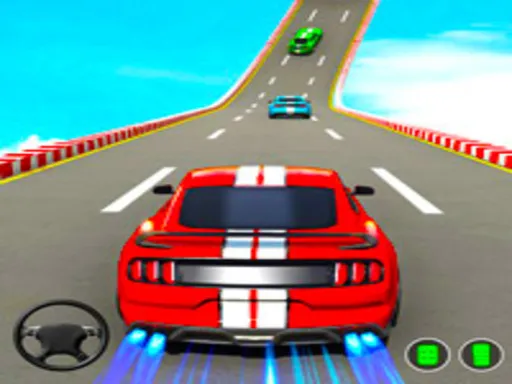
Racing and parking do not often share a game, but Gta Car Racing - Simulation Parking puts both in one 3D package. It sits on the arcade and simulation side of driving, with cars and trucks among the vehicles you can get behind.
Expect a game that rewards slow, deliberate hands over a heavy foot. You control the vehicle with the keyboard, so a computer is the comfortable choice, although the page also loads on phones. Learn how wide the car swings, take your time near obstacles and treat every failed attempt as a lesson. It is free to play in the browser, with no download and no sign-up.
Game details
| Genre | Racing |
|---|---|
| Controls | Keyboard |
| Platform | Browser, phone and tablet |
| Cost | Free, no download |
| Screen | 900 x 600 px |
How to play Gta Car Racing - Simulation Parking
- Start a level and see what the game asks you to do.
- Use the keyboard to accelerate, brake and steer.
- Drive carefully around obstacles instead of through them.
- Finish the task, whether that means reaching the goal or parking in the marked place.
Tips for Gta Car Racing - Simulation Parking
- Try gentle throttle taps when you are close to a tight spot; speed makes small mistakes expensive.
- Learn how wide the car swings before attempting narrow gaps.
- If a level keeps beating you, restart and try a different approach.
Frequently asked questions
Is Gta Car Racing - Simulation Parking free to play?
Yes. It is free, runs in your browser and needs no download and no sign-up.
What controls does Gta Car Racing - Simulation Parking use?
It uses the keyboard, so the arrow keys or WASD are the first things to try. The page loads on mobile browsers, but a computer is easier.
What kind of game is Gta Car Racing - Simulation Parking?
It is a 3D driving simulator that combines racing and parking. Careful control matters more than top speed.
More to play: Racing games · 3D games · Adventure games · Arcade games · Car games



💬 Comments