Grimace vs Police SuperCar
Played 2 times.


About Grimace vs Police SuperCar
Your car, a map and one very specific target: that is how each level of Grimace vs Police SuperCar begins. You command a powerful vehicle and hunt Grimace across a map, finishing a level by ramming into the target.
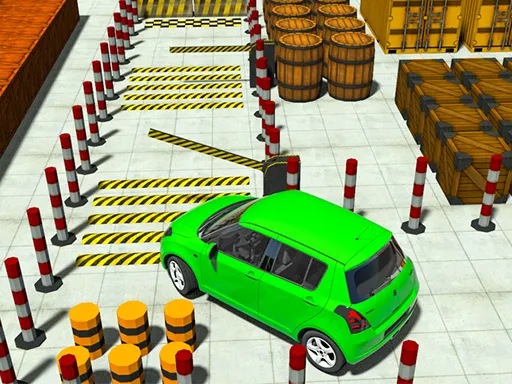
Not every stage is a straight chase. Some stages swap the chase for parking tests and coin runs, which breaks up the pursuit and makes you think about precision as well as speed. Steering is by WASD or the arrow keys, so it is easy to start and hard to be perfect. It works as a quick, silly pursuit game in a browser tab on a computer or phone.
Game details
| Genre | Racing |
|---|---|
| Controls | Keyboard |
| Platform | Browser, phone and tablet |
| Cost | Free, no download |
| Screen | 800 x 600 px |
How to play Grimace vs Police SuperCar
- Use WASD or the arrow keys to accelerate, brake and steer.
- Follow the map to find Grimace on each level.
- Crash into Grimace to finish the level.
- Handle the parking and coin stages when they appear.
Tips for Grimace vs Police SuperCar
- Check the map first so you take the shortest approach instead of circling.
- Slow down for the parking stages; speed only gets in the way there.
- Line up your car before the final ram, since a glancing hit wastes time.
Frequently asked questions
Is Grimace vs Police SuperCar free to play?
Yes. It is free, runs in your browser, and needs no download or sign-up.
What controls does Grimace vs Police SuperCar use?
Drive with WASD or the arrow keys on a keyboard. The game also opens on touch devices.
Is Grimace vs Police SuperCar only about chasing?
Not entirely. Besides pursuing and ramming Grimace, some stages are parking tests or coin runs.
More to play: Racing games
Categories Tags Comments