Golf Cars Simulator
Played 1 times.


About Golf Cars Simulator
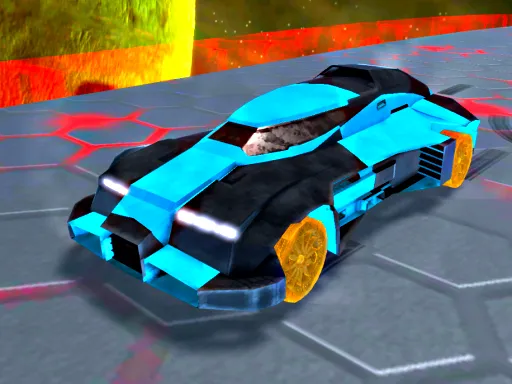
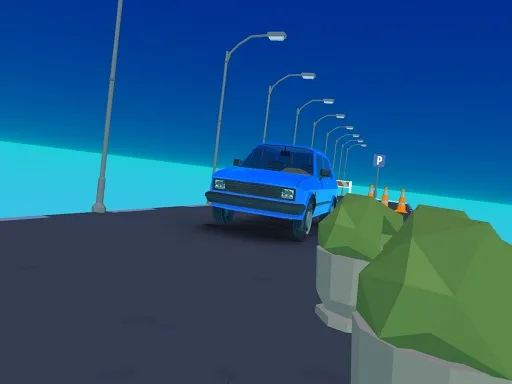
A golf car might not sound like a stunt machine, but this sim thinks otherwise. Golf Cars Simulator lets you tune the look of several cars and play across three game modes on a map specially laid out for stunts.
Controls are WASD to drive, Space for the handbrake, C for the camera and Escape or Tab to pause. Drifting and jumping are the main ways to show off. The game runs in the browser and also opens on mobile, though a keyboard gives you every control. If you like experimenting with a car, there is plenty of room to try tricks without anyone telling you what to do.
Game details
| Genre | Racing |
|---|---|
| Controls | Keyboard |
| Platform | Browser, phone and tablet |
| Cost | Free, no download |
| Screen | 960 x 600 px |
How to play Golf Cars Simulator
- Pick and customise a car, then choose one of the three modes.
- Drive with the W, A, S and D keys.
- Hold Space for the handbrake to drift.
- Tap C to swap views and Tab or Escape to pause.
Tips for Golf Cars Simulator
- Use the handbrake to start slides, then straighten up to keep control.
- Try different cars to see how each handles the stunt map.
- Switch the camera view if you cannot judge a jump.
Frequently asked questions
Is Golf Cars Simulator free?
Yes. Golf Cars Simulator is free, runs in your browser, and needs no download or sign-up.
Which keys does Golf Cars Simulator use?
WASD drives, Space is the handbrake, C changes the camera, and Tab or Escape pauses.
Can I customise cars in Golf Cars Simulator?
Yes. There are multiple customisable cars and three game modes to play.
More to play: Racing games · Car games
Popular topics: cars · drifting · driving · simulator · stunts
Categories Tags Comments