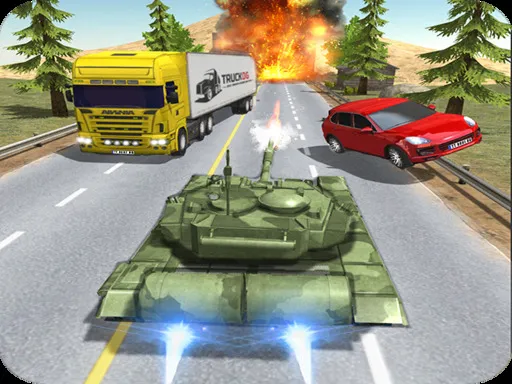
Free City Drive
Played 1 times.


About Free City Drive
Hop in, pick a vehicle and head wherever the city lets you. Free City Drive is a relaxed car simulator with several vehicles to try, options for customising them, and a detailed city setting to drive around.
Controls are friendly: WASD steers, Left Shift fires the nitro, Space is the handbrake, Escape or Tab pauses, and C swaps the camera angle. There are no limits on how you play, so drifting around corners is as valid as cruising. The game also opens on mobile devices, but the full set of keys works best on a keyboard. Try the camera views, since each shows the car differently.
Game details
| Genre | Racing |
|---|---|
| Controls | Keyboard |
| Platform | Browser, phone and tablet |
| Cost | Free, no download |
| Screen | 1060 x 650 px |
How to play Free City Drive
- Drive with the W, A, S and D keys.
- Hold Left Shift for a nitro boost.
- Hit Space for the handbrake when you want to slide.
- Tap C to cycle the camera, and Tab or Escape to pause.
Tips for Free City Drive
- Use the handbrake on corners to practise drifting.
- Switch camera views until you find the one that suits you.
- Save the nitro for long straights instead of tight streets.
Frequently asked questions
Is Free City Drive free to play?
Yes. Free City Drive is free, runs in your browser, and needs no download or sign-up.
What are the controls in Free City Drive?
WASD to drive, Left Shift for nitro, Space for handbrake, C for camera, and Tab or Escape to pause.
Can I customise cars in Free City Drive?
Yes. The game offers multiple vehicles and car customisation.
More to play: Racing games
Categories Tags Comments