FPS Shooting Survival Sim
Played 1 times.


About FPS Shooting Survival Sim
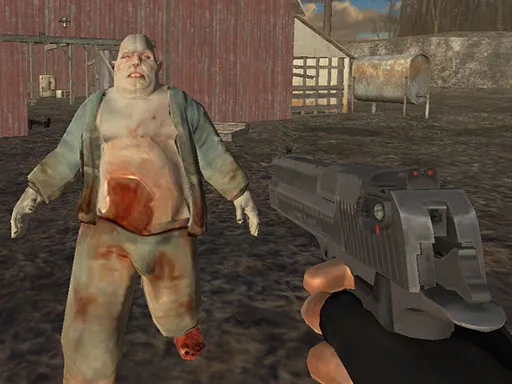
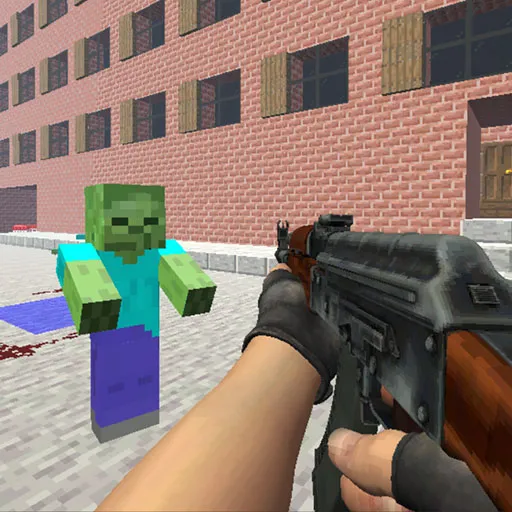
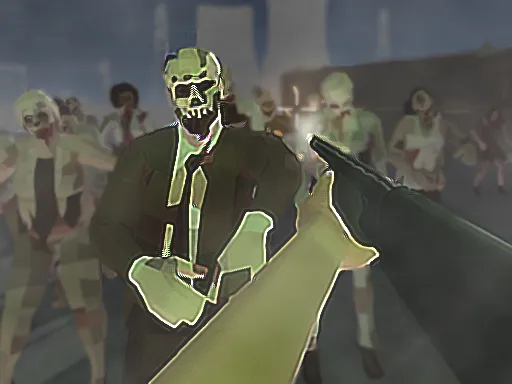
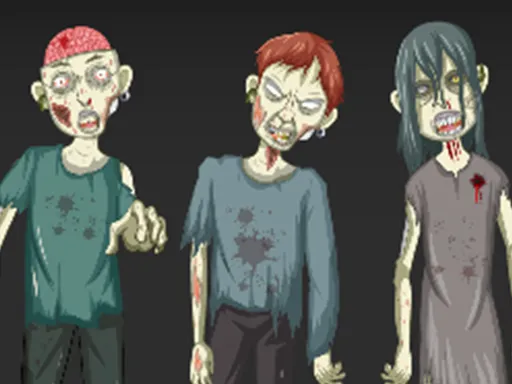
Special forces training comes in handy in FPS Shooting Survival Sim, a first-person 3D shooter about stopping a zombie virus. You play a commando whose mission is to wipe out the infected before they overrun the planet, and the settings change as you fight across different places.
You get a wide assortment of weapons to choose from, so you can adjust your approach. Controls follow the standard PC pattern: WASD to walk, Space to jump, the mouse to aim, look and shoot, and Shift with W to run. Although mobile is listed, a keyboard and mouse are the best way to play.
Game details
| Genre | Shooting |
|---|---|
| Controls | Keyboard + mouse or touch |
| Platform | Browser, phone and tablet |
| Cost | Free, no download |
| Screen | 800 x 600 px |
How to play FPS Shooting Survival Sim
- Walk with W, A, S and D, and jump with Space.
- Move the mouse to look around and aim.
- Click to shoot the zombies.
- Hold Shift while pressing W to run.
- Choose weapons and survive each setting.
Tips for FPS Shooting Survival Sim
- Run with Shift and W to reposition, then stop and aim before you fire.
- Try different weapons early to find one that suits your style.
- Look around often, because zombies may approach from any direction.
Frequently asked questions
Is FPS Shooting Survival Sim free?
Yes. FPS Shooting Survival Sim is free, runs in your browser, and needs no download or sign-up.
What are the controls in FPS Shooting Survival Sim?
Walk with WASD, jump with Space, aim and shoot with the mouse, and run by holding Shift while pressing W.
What is the goal of FPS Shooting Survival Sim?
You play a trained commando who must eliminate the zombies to rescue the world, using a range of weapons in different settings.
More to play: Shooting games · Action games · Shooter games · Zombie games
Popular topics: 1 player · 3d games · alien · unity3d · webgl
Categories
Action Shooter Shooting Zombie
Tags Comments