Ferrari Track Driving
Played 2 times.


About Ferrari Track Driving
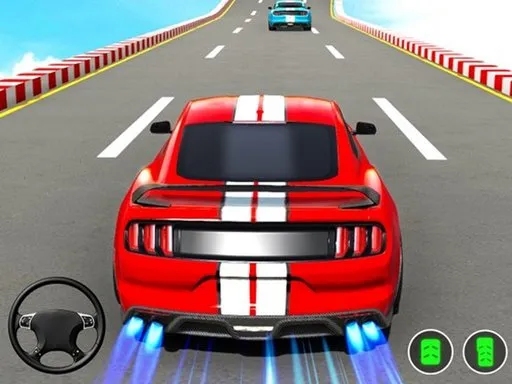
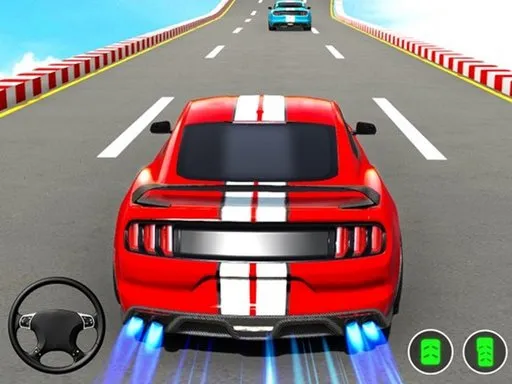
A Ferrari and an open circuit: not a complicated brief. Ferrari Track Driving lets you pick from several Ferrari models and take each one for a spin around the circuit.
There is no race pressure listed, which gives you space to learn how each car handles corners, braking and acceleration. You drive with WASD, brake with Space and switch the camera with C. The Unity-based 3D view runs in the browser, and the game is free, with nothing to install. It is a good pick if you like trying different supercars back to back, one lap after another.
Game details
| Genre | Racing |
|---|---|
| Controls | Keyboard |
| Platform | Browser, phone and tablet |
| Cost | Free, no download |
| Screen | 960 x 600 px |
How to play Ferrari Track Driving
- Open the game and choose a Ferrari.
- Drive with the W, A, S and D keys.
- Press Space to brake.
- Press C to change the camera view.
- Take laps and compare how the cars feel.
Tips for Ferrari Track Driving
- Brake before corners, as fast cars carry a lot of speed into turns.
- Pick one lap to learn the track layout before you push for speed.
- Test each car on the same section so you can compare them fairly.
Frequently asked questions
Is Ferrari Track Driving free?
Yes. Ferrari Track Driving is free to play in your browser, with no download and no sign-up.
What controls does Ferrari Track Driving use?
Use W, A, S and D to drive, Space to brake and C to change the camera.
What can I do in Ferrari Track Driving?
Choose among several Ferraris and take them for a spin around the track.
More to play: Racing games · 3D games · Car games · Simulation games
Categories Tags Comments