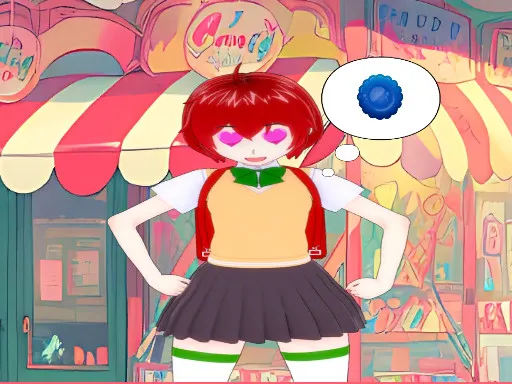
Favorite Puzzles: jigsaw game
Played 2 times.


About Favorite Puzzles: jigsaw game
A jigsaw that bends to your mood: slice a picture into as few as 6 pieces for a quick win, or as many as 600 for a long, absorbing session. Favorite Puzzles: jigsaw game lets you set the difficulty yourself.
Help is there if you want it, with hints, an example image and a grid you can switch on. Prefer a harder challenge? The realistic mode scatters pieces around the board, and you can even turn a photo of your own into a puzzle. On a computer you grab pieces with the mouse and zoom with the wheel, while on a phone you drag with a fingertip. It is relaxed, flexible and friendly for families.
Game details
| Genre | Puzzle |
|---|---|
| Controls | Mouse or touch |
| Platform | Browser, phone and tablet |
| Cost | Free, no download |
| Screen | 800 x 600 px |
How to play Favorite Puzzles: jigsaw game
- Choose a picture and set how many pieces you want.
- Click and hold a piece, then drag it toward where it belongs.
- Zoom with the mouse wheel on a computer, or pinch with your fingers on a phone.
- Turn on hints, the example image or the grid whenever you need help.
Tips for Favorite Puzzles: jigsaw game
- Begin with edge pieces to build a frame before filling in the middle.
- Switch on the grid if a large puzzle starts to feel overwhelming.
- Try the realistic mode only after you are comfortable with the standard layout.
Frequently asked questions
Is Favorite Puzzles: jigsaw game free?
Yes. It is free, plays in your browser, and needs no download or sign-up.
How do I move pieces in Favorite Puzzles: jigsaw game?
On a computer, drag pieces with the left mouse button and zoom with the wheel. On a phone, drag pieces with a fingertip and resize the view by touch.
Can I change the difficulty in Favorite Puzzles: jigsaw game?
Yes. You can split a picture into anywhere between 6 and 600 pieces. Hints, an example image and a grid are available too.
More to play: Puzzle games · Board games · Brain games · Casual games · Fun games
Categories
Puzzle Brain Casual Fun Kids Board Jigsaw
Tags Comments