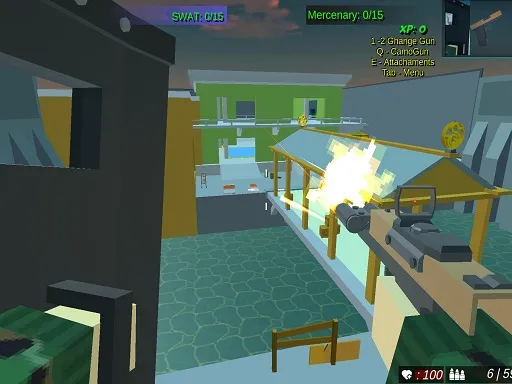
Epic Army Defense Rising War
Played 2 times.


About Epic Army Defense Rising War
Your castle is under siege from dragons and enemy armies, and the only defence is the firepower you control. Cannons, miniguns, catapults and arrows are all in the toolbox, so each wave tests how well you can aim under pressure. It is a shooter with a medieval twist, and every hit protects the walls behind you.
Aim by moving the mouse and shoot with the left mouse button. Press Tab or P to open the settings. The game runs at 922x487 in your browser, with no download, and it is tagged as a one-player, fast shoot-em-up experience.
Game details
| Genre | Shooting |
|---|---|
| Controls | Mouse or touch |
| Platform | Browser, phone and tablet |
| Cost | Free, no download |
| Screen | 922 x 487 px |
How to play Epic Army Defense Rising War
- Move the mouse to aim at the incoming enemies.
- Press the left mouse button to fire your weapon.
- Hit dragons and armies before they reach the castle.
- Press Tab or P to open the settings.
Tips for Epic Army Defense Rising War
- Aim slightly ahead of moving enemies so your shots arrive where they will be.
- Hit the biggest threats first, since they can do the most damage to the castle.
- Check the settings with Tab or P before you start a run.
Frequently asked questions
Is Epic Army Defense Rising War free?
Yes. Epic Army Defense Rising War is free in your browser, with no download and no sign-up.
What are the controls in Epic Army Defense Rising War?
Move the mouse to aim and press the left mouse button to shoot. Tab or P opens the settings.
What do I defend in Epic Army Defense Rising War?
You guard a castle against dragons and enemy armies, with a mix of cannons, miniguns, catapults and arrows.
More to play: Shooting games · Action games · Fun games · Shooter games
Popular topics: 1 player · 3d games · game · shoot · shoot em up
Categories Tags Comments