CS War Gun King FPS
Played 1 times.


About CS War Gun King FPS
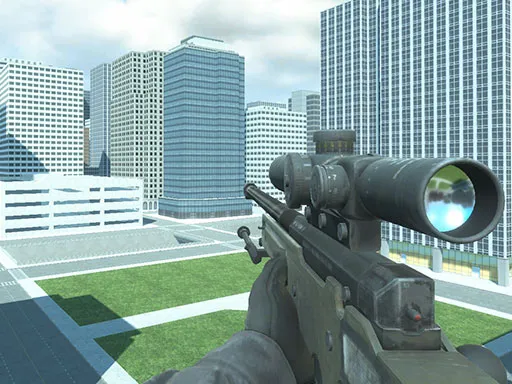
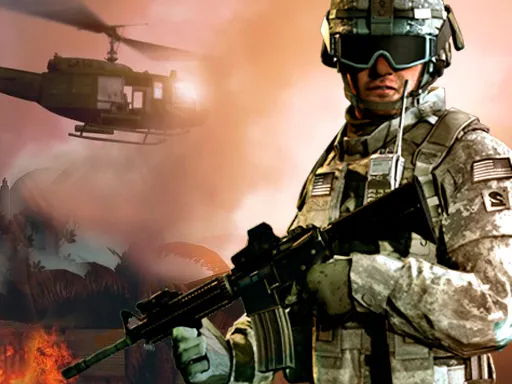
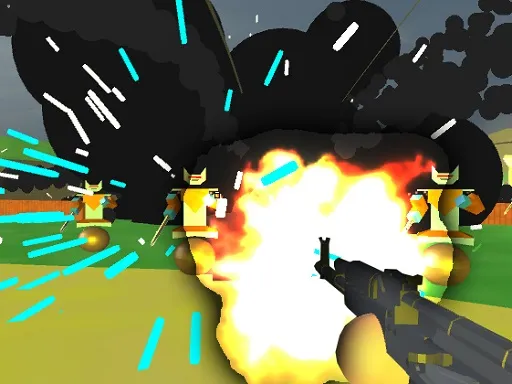
Cleared city streets, heavy weapons and big explosions set the scene in CS War Gun King FPS. The game runs on Unity and shows the action from a first-person perspective, so you see the battlefield through your soldier's eyes.
Controls are a bit different from the typical shooter. Press A to choose your position, use the mouse to attack, throw a grenade with G and fire a grenade launcher with T. The war theme leans on firepower and explosions, and sniper-style play is also part of the mix. Because it relies on keyboard and mouse input, it works best on a computer.
Game details
| Genre | Shooting |
|---|---|
| Controls | Mouse or touch |
| Platform | Browser, phone and tablet |
| Cost | Free, no download |
| Screen | 960 x 600 px |
How to play CS War Gun King FPS
- Press A to choose your position.
- Use the mouse to attack your target.
- Press G to throw a grenade.
- Press T to fire the grenade launcher.
- Keep fighting through the city streets.
Tips for CS War Gun King FPS
- Choose a good position before the fight starts.
- Save grenades and the launcher for groups of enemies.
- Use the mouse carefully; accurate attacks matter more than speed.
Frequently asked questions
Is CS War Gun King FPS free to play?
Yes. CS War Gun King FPS is free, runs in your browser and has no download or sign-up.
What are the controls in CS War Gun King FPS?
Press A to choose a position, use the mouse to attack, G to throw a grenade and T to use the grenade launcher.
What is the view in CS War Gun King FPS?
The game uses a first-person perspective, showing the action through your soldier's eyes in a 3D city environment.
More to play: Shooting games · 3D games · Action games · Boys games · Shooter games
Categories
3D Action Shooter Shooting War Boys Sniper
Tags Comments