CS Schützen
Played 2 times.


About CS Schützen
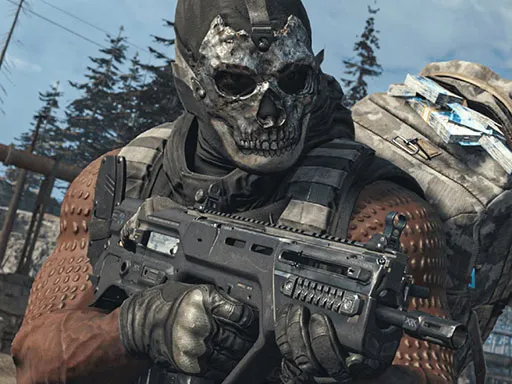
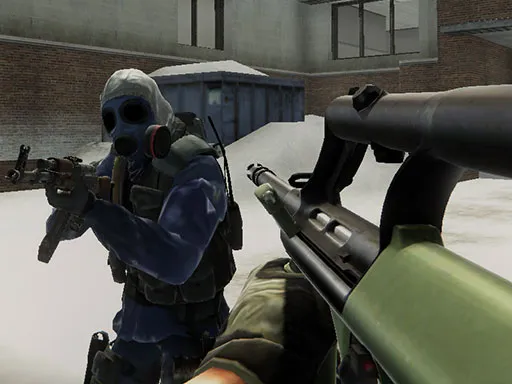
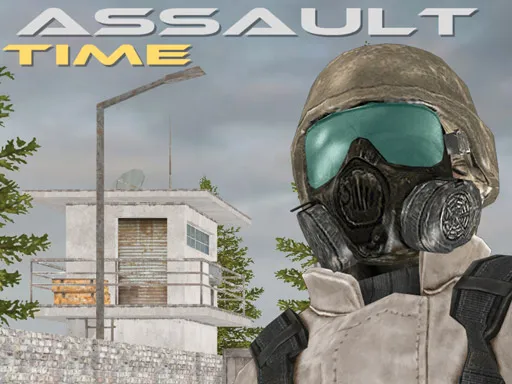
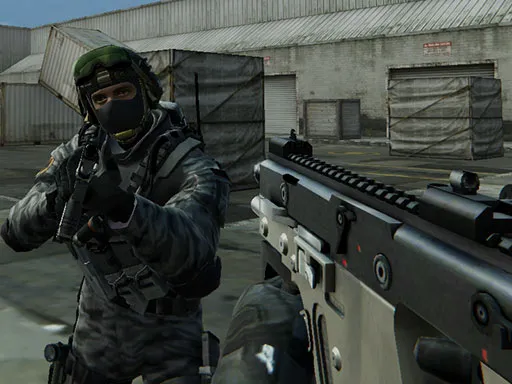
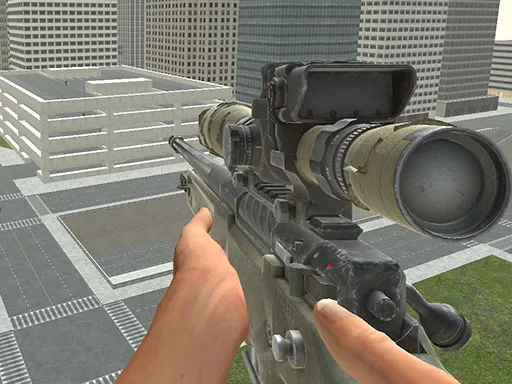
Desert dunes, ancient temples, a factory floor and a stack of shipping containers: CS Schützen offers several battlegrounds for multiplayer shooting. You join rooms and take on players from around the world in a 3D arena shooter.
There is a decent set of controls to learn. The left mouse button fires, the right aims, R reloads, C crouches and Space jumps. Number keys 1 through 9 switch weapons, P pauses, and T opens chat, with Enter sending your message. Because it is multiplayer, expect more unpredictable fights than in a solo shooter, and take a minute to learn the map before you push forward.
Game details
| Genre | Shooting |
|---|---|
| Controls | Mouse or touch |
| Platform | Browser, phone and tablet |
| Cost | Free, no download |
| Screen | 960 x 540 px |
How to play CS Schützen
- Join a multiplayer room and choose a map.
- Click the left mouse button to fire and the right mouse button to aim.
- Press R to reload, C to crouch and Space to jump.
- Use the number keys 1 to 9 to switch weapons.
- Press T to chat, Enter to send, and P to pause.
Tips for CS Schützen
- Learn each map's cover spots; crouching behind them gives you an edge.
- Reload when no one is nearby so you are never caught empty.
- Use chat to coordinate with other players when it makes sense.
Frequently asked questions
Is CS Schützen free to play?
Yes. CS Schützen is free in your browser, with no download and no sign-up.
What are the controls in CS Schützen?
Left click fires, right click aims, R reloads, C crouches, Space jumps, number keys swap weapons, P pauses and T opens chat.
Can I play CS Schützen with other people?
Yes. It is a multiplayer shooter with game rooms where you battle players from around the world on several maps.
More to play: Shooting games · 3D games
Categories Tags Comments