Crazy 3D Pixel Shooting
Played 2 times.


About Crazy 3D Pixel Shooting
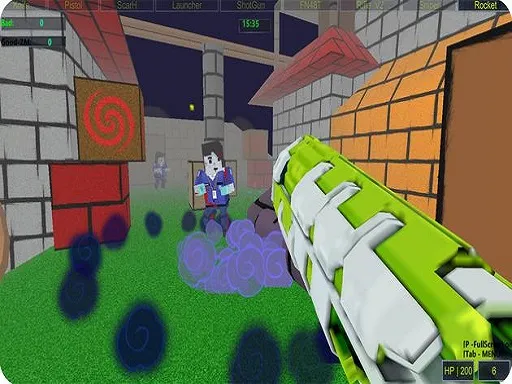
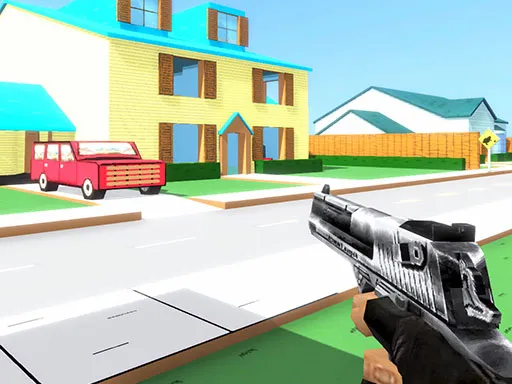
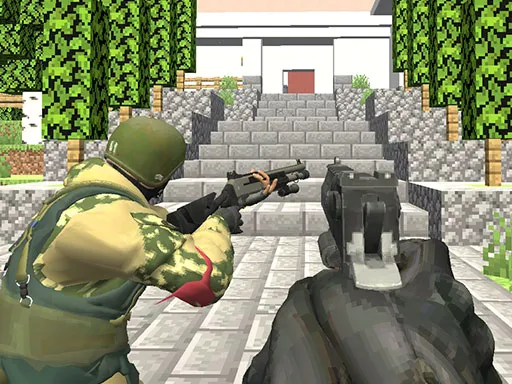
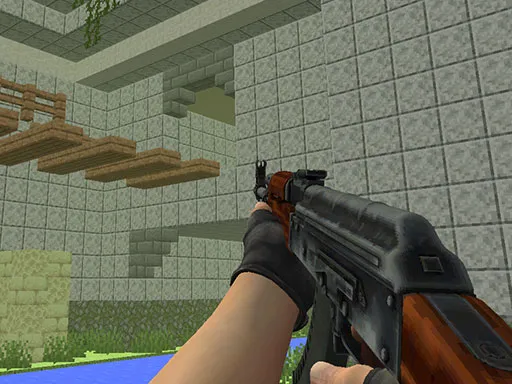
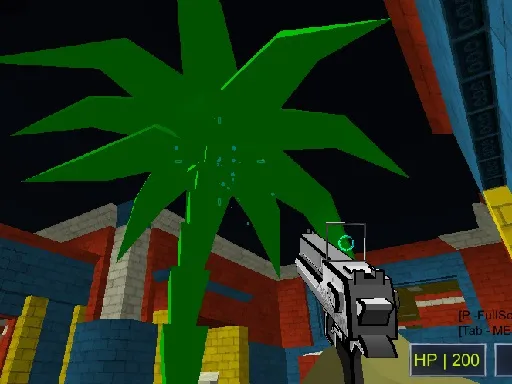
Blocky graphics, plenty of guns and several ways to play: Crazy 3D Pixel Shooting offers a lot in a compact package. You can go online against other players, or stick to the offline missions if you prefer a single-player run.
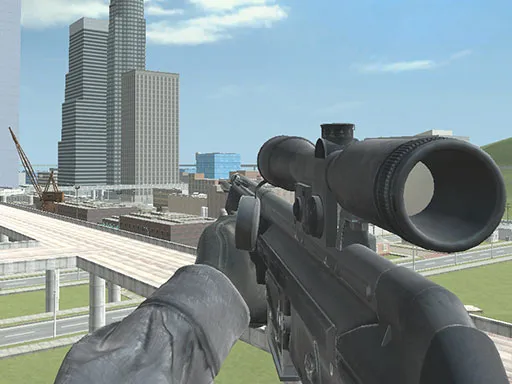
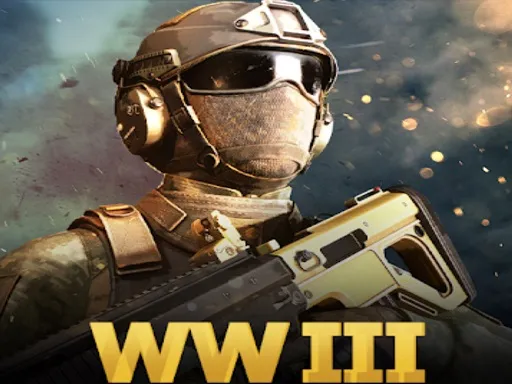
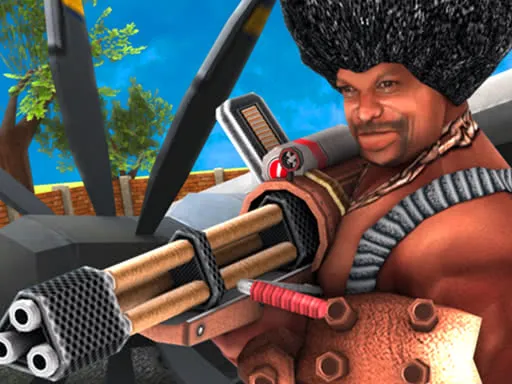
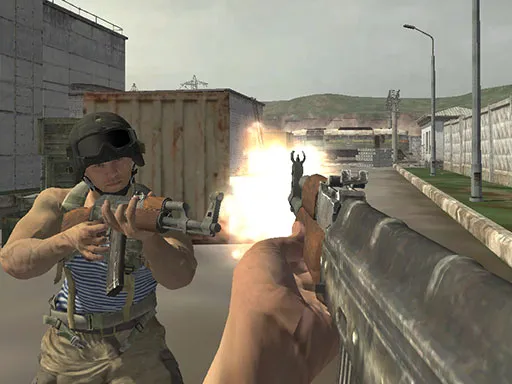
There are 24 guns to try across five game modes, including gun game, zombie survival, team deathmatch and free for all. The keyboard handles movement while the mouse takes care of aiming and shooting, plus keys to open the menu, change attachments and swap skins. A computer is the natural choice, but the browser version is available on mobile too.
Game details
| Genre | Shooting |
|---|---|
| Controls | Keyboard + mouse or touch |
| Platform | Browser, phone and tablet |
| Cost | Free, no download |
| Screen | 800 x 600 px |
How to play Crazy 3D Pixel Shooting
- Move with the W, A, S and D keys.
- Aim and shoot with the mouse.
- Press Tab for the menu and E to change attachments.
- Press Q to change your gun skin, then pick a game mode and play.
Tips for Crazy 3D Pixel Shooting
- Try the offline missions first to learn the guns before going online.
- Test several of the 24 guns; each mode suits different weapons.
- Change attachments between rounds to fit the mode you are about to play.
Frequently asked questions
Is Crazy 3D Pixel Shooting free to play?
Yes. Crazy 3D Pixel Shooting is free, runs in your browser, and has no download or sign-up.
What are the controls in Crazy 3D Pixel Shooting?
Move with WASD, aim and shoot with the mouse, Tab opens the menu, E changes attachments and Q changes the skin.
Does Crazy 3D Pixel Shooting have a single-player mode?
Yes. Besides multiplayer, there are offline missions that you can play alone.
More to play: Shooting games · 3D games · Multiplayer games · Shooter games
Categories
3D Shooter Shooting Multiplayer
Tags Comments