Climb Racing 3D
Played 2 times.


About Climb Racing 3D
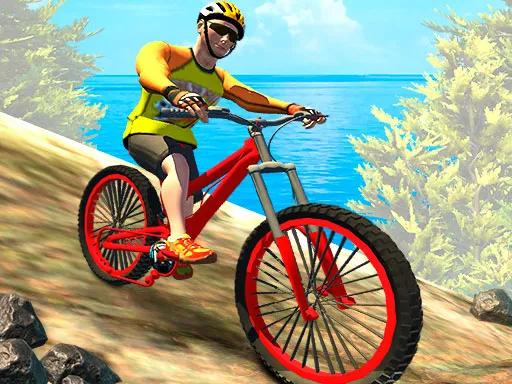
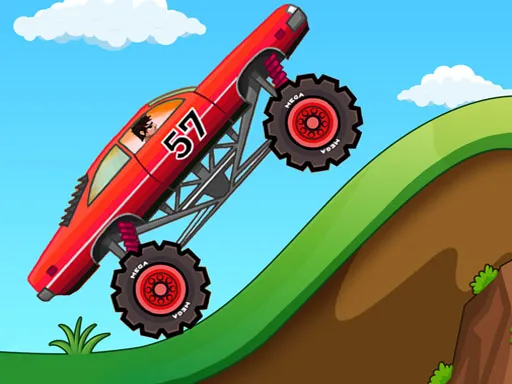
Physics does most of the talking in Climb Racing 3D. You pick a vehicle, head across rough maps, and discover how much a car can lean, bounce and fly before it lands badly.
You can try several characters, vehicles and maps, and collectible bonuses give you an edge. Steering uses A and D or the left and right arrow keys, while three extra keys add power: J for nitro, K for a magnet and L for all-wheel drive. A handy hint from the game is that you can tilt the car in mid-air with the throttle and reverse inputs, which makes a huge difference over big drops. It looks bright, plays on a computer or phone, and rewards patience over panic.
Game details
| Genre | Racing |
|---|---|
| Controls | Keyboard |
| Platform | Browser, phone and tablet |
| Cost | Free, no download |
| Screen | 800 x 450 px |
How to play Climb Racing 3D
- Press A and D or the left and right arrows to move.
- Press J for nitro, K for the magnet and L for all-wheel drive.
- Collect bonuses on the road to gain an advantage.
- Tap throttle and reverse to tilt the car while airborne.
Tips for Climb Racing 3D
- Save nitro for steep climbs, where momentum drains fastest.
- Use the in-air tilt to level the car before every landing.
- Turn on all-wheel drive when the ground looks loose or very uneven.
Frequently asked questions
Is Climb Racing 3D free to play?
Yes. It is free to play in the browser, with no download and no sign-up.
What are the controls in Climb Racing 3D?
Use A and D or the arrow keys to move, J for nitro, K for the magnet and L for all-wheel drive. It also opens on touch devices.
How do I keep the car from flipping in Climb Racing 3D?
While airborne, tap throttle and reverse to tilt the car back toward level, so you land on the wheels instead of on the roof.
More to play: Racing games · Action games · Adventure games · Boys games
Categories Tags Comments