City Police Cars
Played 1 times.


About City Police Cars
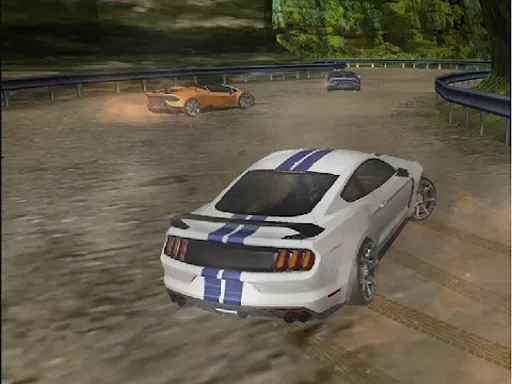
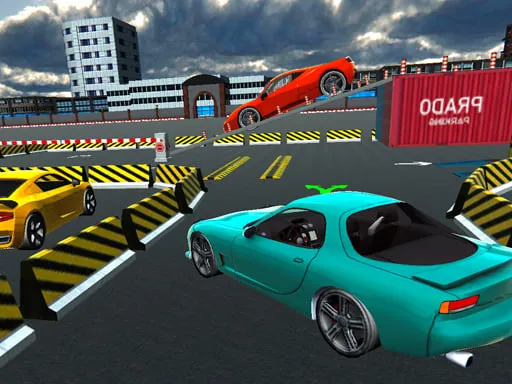
Thirty levels, a garage full of upgrades and a police car that can jump. City Police Cars is a driving game where you make your way through each level and then spend what you earn on new vehicles.
Steering uses A and D or the left and right arrows, while W or the up arrow gives the car a hop. A computer keyboard is the natural fit, but the page is marked as mobile-friendly if you want to try it on a touch screen. Upgrades matter: spending some time in the garage between levels makes the harder stretches more manageable.
Game details
| Genre | Racing |
|---|---|
| Controls | Keyboard |
| Platform | Browser, phone and tablet |
| Cost | Free, no download |
| Screen | 960 x 600 px |
How to play City Police Cars
- Press A and D, or the left and right arrows, to steer the police car.
- Press W or the up arrow to hop over trouble.
- Drive through the level to the finish.
- Spend your earnings in the garage on new vehicles and upgrades.
- Move on through all thirty levels.
Tips for City Police Cars
- Jump early; a late jump rarely clears the obstacle.
- Upgrade before a level you keep failing.
- Keep your steering light so the car does not swing wide.
Frequently asked questions
Is City Police Cars free to play?
Yes. City Police Cars is free, runs in your browser, and needs no download and no sign-up.
What are the controls in City Police Cars?
Use A and D or the left and right arrows to steer, and W or the up arrow to hop. A computer keyboard is the best fit.
Can I upgrade my car in City Police Cars?
Yes. The garage lets you purchase new vehicles and upgrade them between runs. There are 30 levels to play through.
More to play: Racing games · Car games
Categories Tags Comments