City Car Driving 3d
Played 2 times.


About City Car Driving 3d
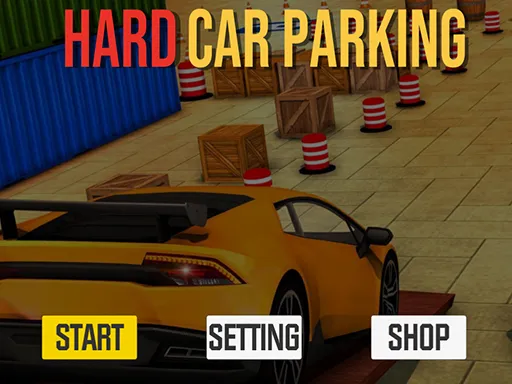
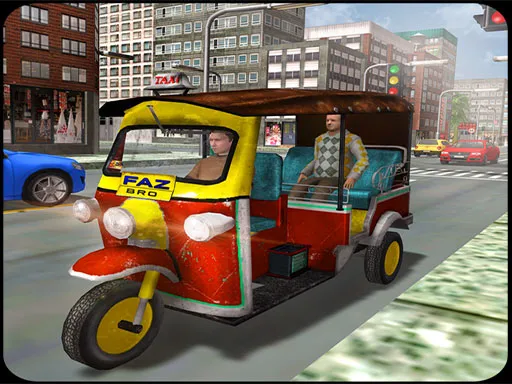
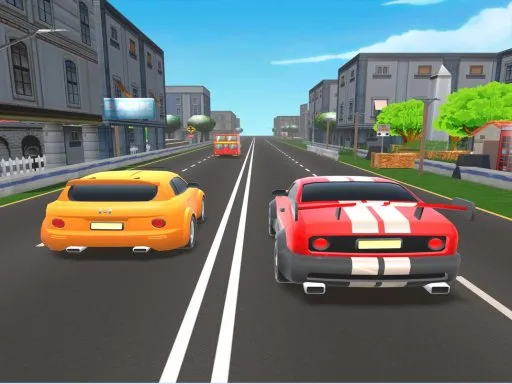
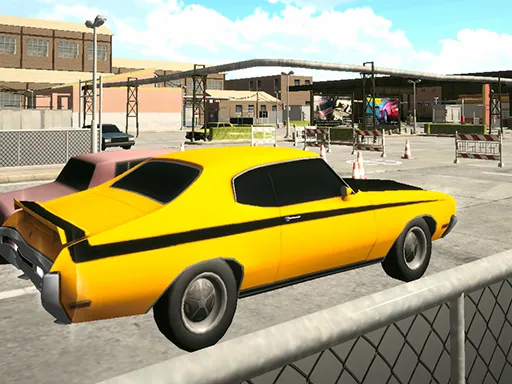
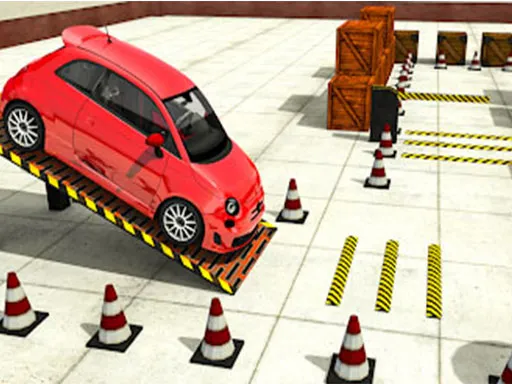
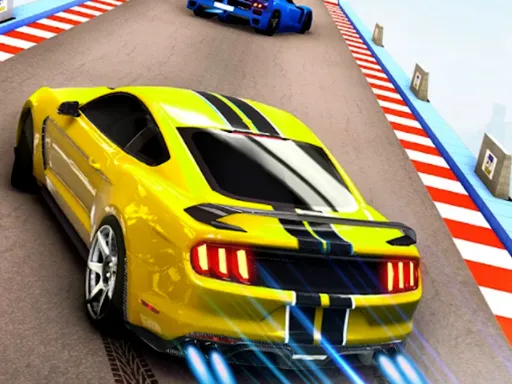
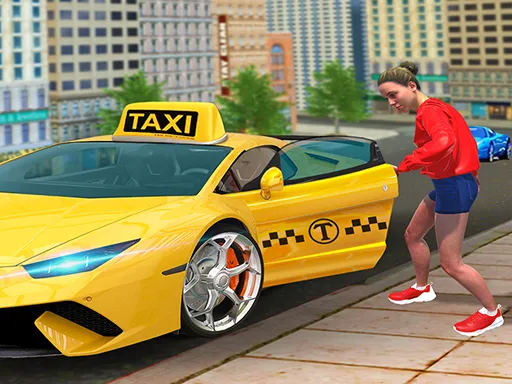
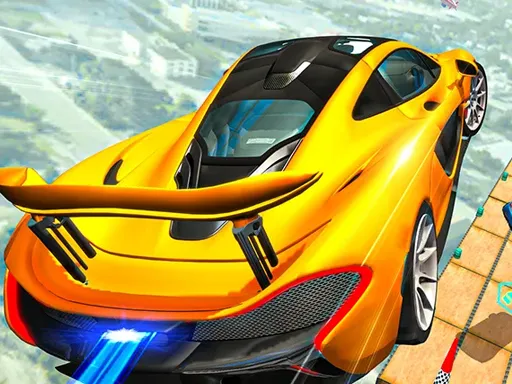
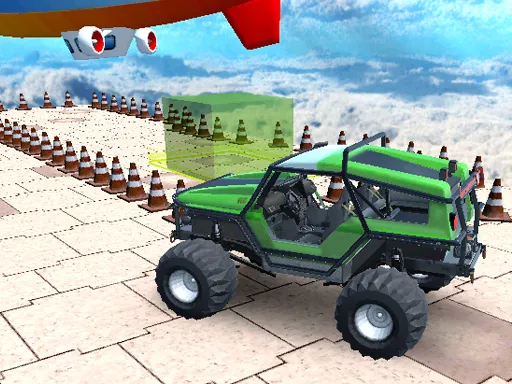
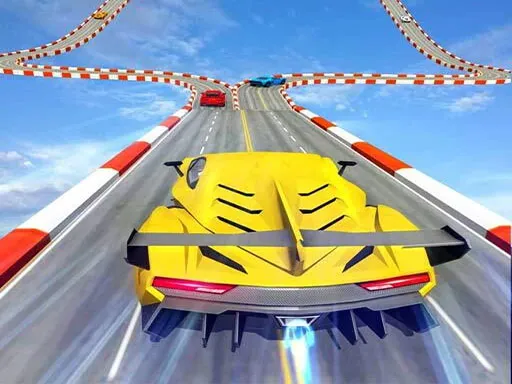
Cities make for interesting driving, with tight streets, parking spots and plenty of room to show off. City Car Driving 3d is a 3D simulation that covers everyday driving, parking challenges and some drifting and stunt moves.
The controls are keyboard based, and the game runs inside your browser without any installation. It is flagged as mobile-friendly, so a phone or tablet may work, but a computer keyboard offers better precision for parking and tight turns. Take it slowly at first, learn how the car responds, then push the speed.
Game details
| Genre | Racing |
|---|---|
| Controls | Mouse or touch |
| Platform | Browser, phone and tablet |
| Cost | Free, no download |
| Screen | 800 x 600 px |
How to play City Car Driving 3d
- Use the keyboard to accelerate, brake and steer your car.
- Drive through the city streets, learning how the car handles.
- Try parking carefully in the marked spots.
- Experiment with drifting and stunts once you feel comfortable.
Tips for City Car Driving 3d
- Practice parking at low speed first; precision matters more than how fast you arrive.
- Brake early for turns, because city streets leave little room for correction.
- Save drifting and stunts for open stretches where there is nothing to hit.
Frequently asked questions
Is City Car Driving 3d free?
Yes. It is free, runs in your browser, and needs no download or sign-up.
What controls does City Car Driving 3d use?
It uses keyboard controls. The game is flagged as mobile-friendly, but a keyboard is the most precise way to drive and park.
What can I do in City Car Driving 3d?
It is a driving simulation set around a city, with parking, drifting and stunt driving among its themes.
More to play: Racing games · 3D games · Adventure games · Car games · Fun games
Categories
Racing Adventure 3D Car Fun Simulation Parking
Tags Comments