
About City Bus Parking Challenge Simulator 3D
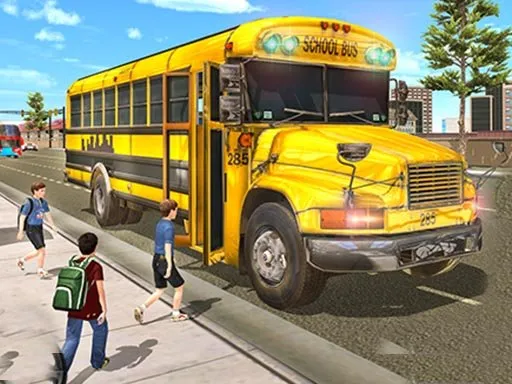
Squeezing a full-size bus into a small space takes patience. In City Bus Parking Challenge Simulator 3D you steer through busy city streets and then back the vehicle neatly into a tight bay.
The game belongs to the simulation side of racing, so smooth control beats speed every time. Use WASD or the arrow keys to steer and drive, and Space to brake, which helps you stop at exactly the right spot. Long vehicles swing wide, so planning the angle before you commit is a big part of success. It loads free in the browser.
Game details
| Genre | Racing |
|---|---|
| Controls | Keyboard |
| Platform | Browser, phone and tablet |
| Cost | Free, no download |
| Screen | 800 x 600 px |
How to play City Bus Parking Challenge Simulator 3D
- Use WASD or the arrow keys to drive and steer the bus.
- Press Space to brake.
- Follow the city streets toward the parking area.
- Line up and stop the bus inside the parking spot.
Tips for City Bus Parking Challenge Simulator 3D
- Swing wide before turning in; a bus needs far more room than a car.
- Brake early with Space so you can creep into the final position.
- If the angle is wrong, pull forward and restart the maneuver instead of forcing it.
Frequently asked questions
Is City Bus Parking Challenge Simulator 3D free?
Yes. It is free to play in your browser, with no download and no sign-up.
What are the controls in City Bus Parking Challenge Simulator 3D?
WASD or the arrow keys steer and drive the bus, and Space brakes. The game also loads on phones and tablets.
What is the goal of City Bus Parking Challenge Simulator 3D?
Drive the bus through the city and park it precisely in a tight spot. Careful steering and braking matter more than speed.
More to play: Racing games · Car games · Parking games · Simulation games









💬 Comments