Christmas Survival FPS
Played 2 times.


About Christmas Survival FPS
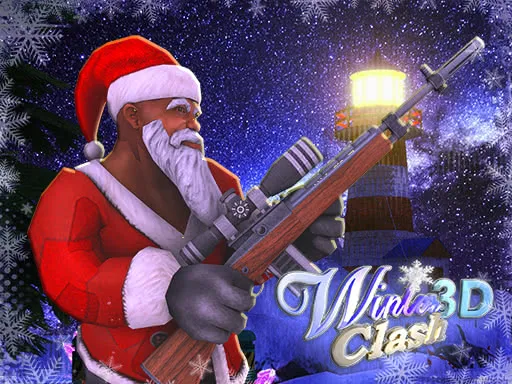
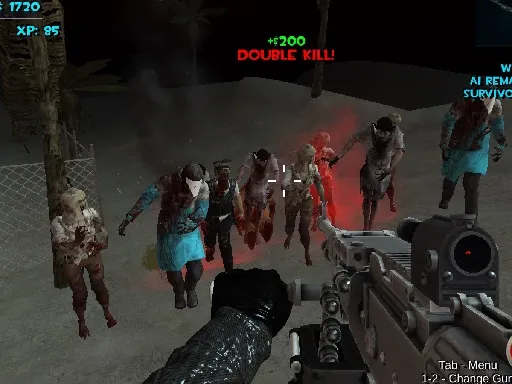
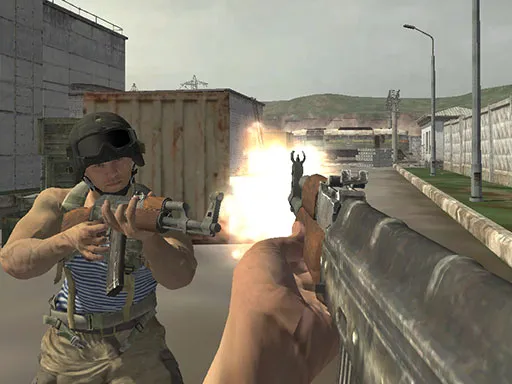
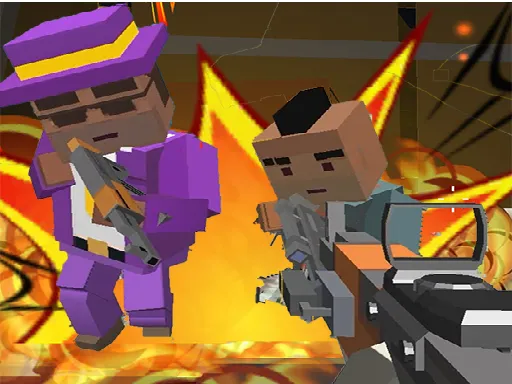
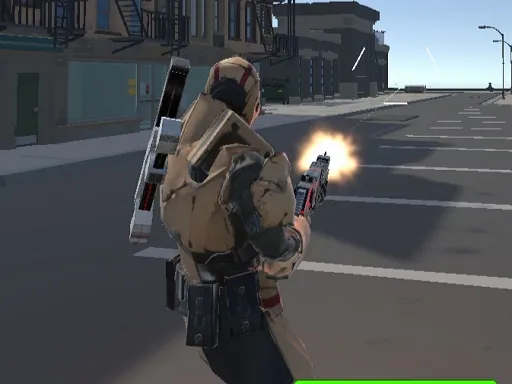
Snow, lights and gunfire do not usually share a screen, but Christmas Survival FPS puts them together in a festive first-person shooter. You can go solo or team up with others, and there are several game modes to choose from.
A shop lets you buy guns and armor, so progress is about more than just good aim. On the controls side, WASD or the arrow keys move you, the left mouse button fires, R reloads, C crouches and F grabs a gun from the ground. The seasonal theme gives it a different look from standard military shooters, and a keyboard and mouse at a computer is the best setup.
Game details
| Genre | Shooting |
|---|---|
| Controls | Keyboard + mouse or touch |
| Platform | Browser, phone and tablet |
| Cost | Free, no download |
| Screen | 960 x 600 px |
How to play Christmas Survival FPS
- Choose solo or team play and pick a game mode.
- Move with WASD or the arrow keys.
- Aim with the mouse and click the left button to shoot.
- Press R to reload, C to crouch and F to grab a gun.
- Spend what you earn in the shop for guns and armor.
Tips for Christmas Survival FPS
- Buy armor as well as guns; surviving longer is as valuable as hitting harder.
- Grab dropped guns with F when yours runs dry.
- Crouch with C to make your shots steadier.
Frequently asked questions
Is Christmas Survival FPS free to play?
Yes. Christmas Survival FPS is free, plays in your browser and requires no download or sign-up.
What are the controls in Christmas Survival FPS?
Move with WASD or the arrow keys, shoot with the left mouse button, reload with R, crouch with C and grab a gun with F.
Does Christmas Survival FPS have multiplayer?
Yes. You can go solo or play with others, and the game offers multiple modes and a shop for guns and armor.
More to play: Shooting games · Christmas games · Multiplayer games
Categories
Shooting Multiplayer Christmas
Tags Comments