
About Car Traffic Racer
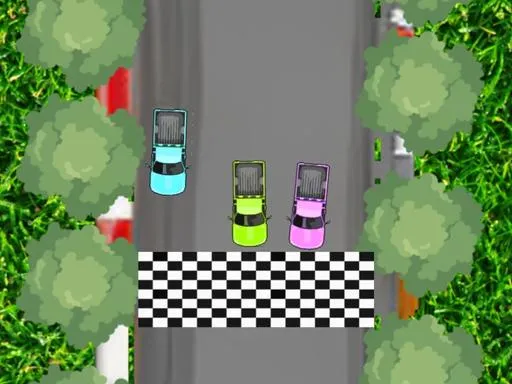
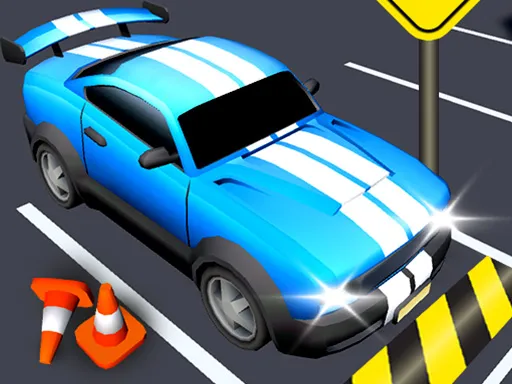
The street is crowded, the speedometer is climbing and every gap in traffic is a decision. Car Traffic Racer asks you to drive flat out while dodging the cars that share the road.
Three separate modes keep it from feeling repetitive, and the Unity engine behind it gives smooth, simple 3D visuals. Steering is on A and D or the left and right arrows, and holding W or the up arrow gives you a speed boost. The boost is great for overtaking but makes mistakes more costly, so the real skill is knowing when to use it on a computer keyboard.
Game details
| Genre | Racing |
|---|---|
| Controls | Keyboard |
| Platform | Browser, phone and tablet |
| Cost | Free, no download |
| Screen | 960 x 540 px |
How to play Car Traffic Racer
- Pick one of the three modes.
- Steer left and right with A and D or the arrow keys.
- Hold W or the up arrow for a speed boost.
- Weave between slower cars without touching them.
- Keep going for the longest, quickest run you can manage.
Tips for Car Traffic Racer
- Look two or three cars ahead so you have time to pick a lane early.
- Use boost on clear stretches and release it as soon as traffic bunches up.
- Small steering taps are safer than big swerves when lanes are tight.
Frequently asked questions
Is Car Traffic Racer free?
Yes. It is free in your browser, with no download and no sign-up.
What are the Car Traffic Racer controls?
A and D or the left and right arrows steer, and W or the up arrow boosts the car. A keyboard is best.
How many modes does Car Traffic Racer have?
It offers three game modes, all built around driving quickly through streets full of other cars.
More to play: Racing games · Car games






💬 Comments