Car Parking School
Played 1 times.


About Car Parking School
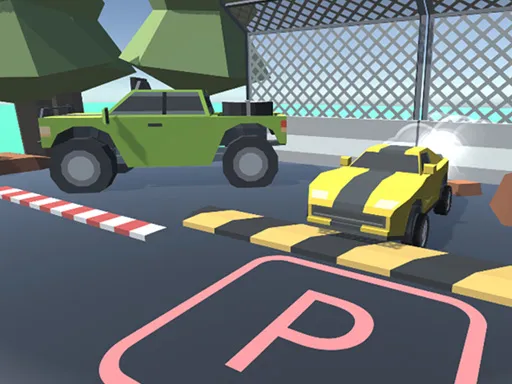
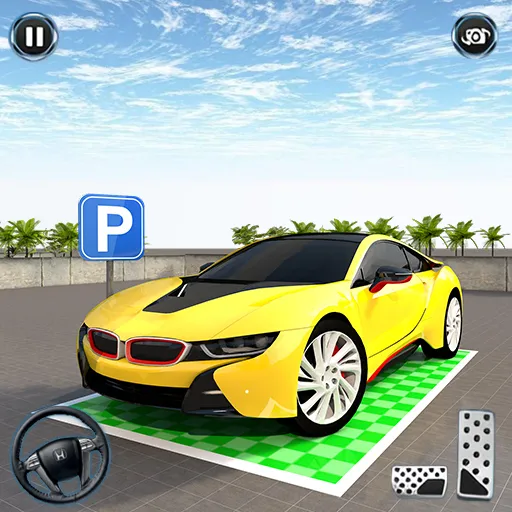
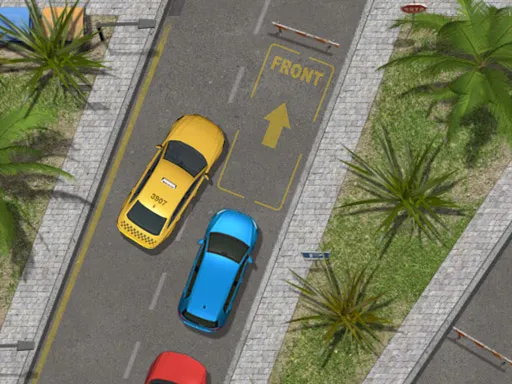
Parking is rarely this complete. Car Parking School runs through a long list of levels in which you must settle your car inside the marked bay, and it adds a layer of extras around that goal: a driver license to create, paint, spoiler and rim changes, and upgrades for engine and brakes.
Five game modes keep things from getting stale: Snow, Timer, Mission, Classic and Modern. A good number of keys are in play, covering steering, gear switching, camera, horn, handbrake and pause, so it rewards a little practice. It uses WebGL and runs in your browser, so a keyboard session is the best way to try it out.
Game details
| Genre | Racing |
|---|---|
| Controls | Mouse or touch |
| Platform | Browser, phone and tablet |
| Cost | Free, no download |
| Screen | 960 x 640 px |
How to play Car Parking School
- Open the game and pick one of the five modes.
- Steer with A, W and D, and press R to switch gear.
- Use Space for the handbrake and H for the horn.
- Press C to change the camera.
- Park inside the marked space to finish the level; Esc pauses.
Tips for Car Parking School
- Switch the camera with C when reversing; a different angle makes the bay easier to judge.
- Move slowly and use the handbrake gently, because speed turns small errors into collisions.
- Spend money on brake upgrades early, which gives you more control in tight spots.
Frequently asked questions
Is Car Parking School free to play?
Yes. Car Parking School is free, runs in your browser and needs no download or sign-up.
What are the controls in Car Parking School?
A, W and D steer and drive, R switches gear, C changes the camera, H is the horn, Space is the handbrake and Esc pauses. A keyboard works best.
What game modes are in Car Parking School?
The game has five modes: Snow, Timer, Mission, Modern and Classic.
More to play: Racing games · Car games · Parking games
Categories Tags Comments