Brick Together
Played 3 times.


About Brick Together
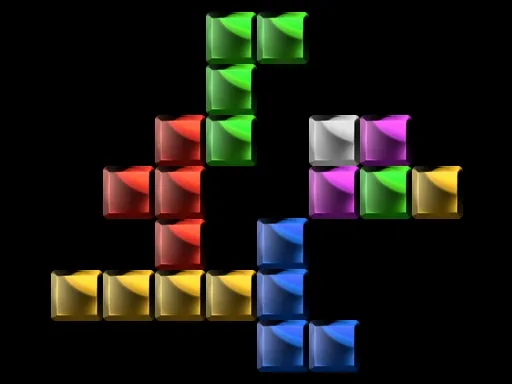
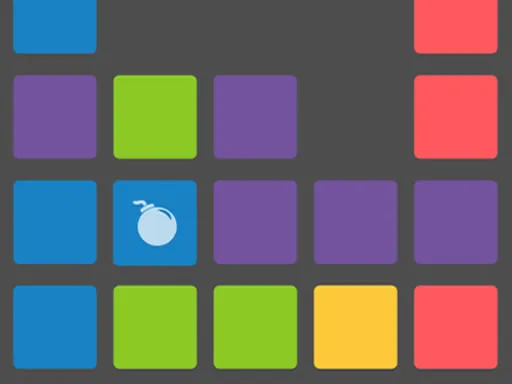
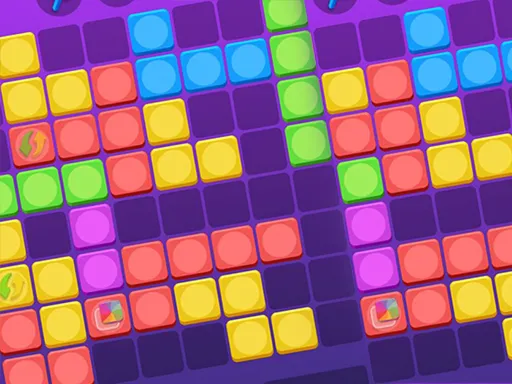
Pushing blocks has rarely been this logical. In Brick Together you control a yellow block, using it to shove other single-colored bricks around the board, and the bricks react in an interesting way when they meet.
Bricks sharing a color cling together when they touch. Shove one that belongs to a cluster and the cluster vanishes, leaving only the brick you moved. The aim of every level is to finish with just one brick of each color remaining. It rewards planning, because a hasty push can remove the wrong thing. Use WASD or the mouse, and you can play on a desktop or a phone in your browser.
Game details
| Genre | Puzzle |
|---|---|
| Controls | Keyboard + mouse or touch |
| Platform | Browser, phone and tablet |
| Cost | Free, no download |
| Screen | 1280 x 720 px |
How to play Brick Together
- Look at the colored bricks and find your yellow block.
- Move with WASD or the mouse to push single bricks.
- Bring same-colored bricks next to each other so they stick.
- Push a group to destroy it, until one brick of each color is left.
Tips for Brick Together
- Plan which brick of each color you want to keep before pushing.
- Remember that pushing a group removes the others but keeps the one you pushed.
- Avoid cornering bricks where you cannot reach them again.
Frequently asked questions
Is Brick Together free to play?
Yes. Brick Together is free, runs in your browser, and does not need a download or sign-up.
What controls does Brick Together use?
You can use the W, A, S and D keys or the mouse to move your yellow block and push the bricks.
What is the goal of Brick Together?
Push and combine same-colored bricks so that only one brick of each color is left on the level.
More to play: Puzzle games · Block games · Match 3 games
Categories Tags Comments