Batman Commander
Played 2 times.


About Batman Commander
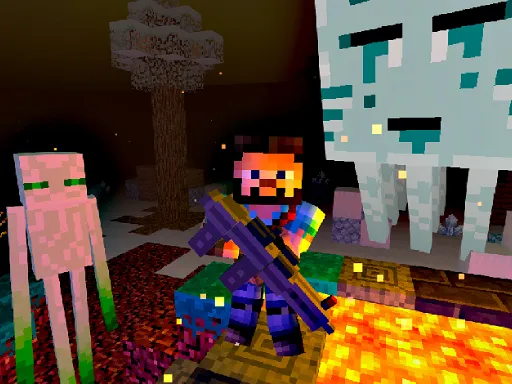
Aliens have wrecked a village, and the caped hero has picked up a gun to clear them out. Batman Commander turns that rescue job into a shooter where the invaders arrive in several different shapes, so no two threats feel quite alike.
Everything runs through buttons drawn on the screen, which you tap or click to move and fire. Ammo is the real puzzle: firing at the first target you see leaves you short when something nastier shows up. It works on a phone or a computer, and a round is quick enough to squeeze in between other things.
Game details
| Genre | Shooting |
|---|---|
| Controls | Mouse or touch |
| Platform | Browser, phone and tablet |
| Cost | Free, no download |
| Screen | 1920 x 1080 px |
How to play Batman Commander
- Start the game and look over the buttons shown on the screen.
- Tap or click the movement buttons to position Batman.
- Press the fire button to shoot the nearest alien.
- Check each invader's shape before deciding where to spend your bullets.
- Keep clearing aliens until the village is safe.
Tips for Batman Commander
- Do not fire wildly at the first alien you meet, because spare bullets matter later.
- Learn which alien shapes look dangerous and deal with those before the easy ones.
- Keep your thumbs or cursor near the fire button so you never lose time hunting for it.
Frequently asked questions
Is Batman Commander free to play?
Yes. Batman Commander is free and runs right in your browser, with no download and no sign-up required.
How do I control Batman in Batman Commander?
You use the buttons shown on the screen. Click them with a mouse or tap them on a phone or tablet to move and shoot.
What is the goal of Batman Commander?
You help Batman shoot the aliens that took over a village. Watch the different alien shapes and use your bullets carefully so you can finish each fight.
More to play: Shooting games · Action games · Arcade games · Shooter games
Categories
Action Arcade Shooter Shooting
Tags Comments