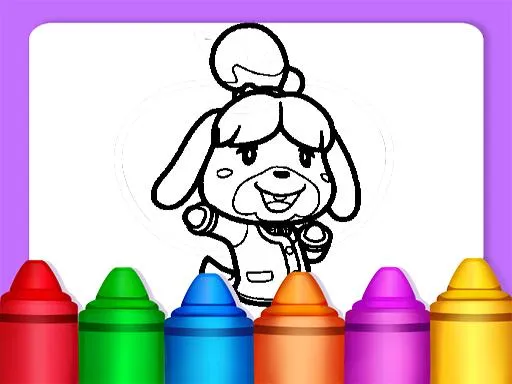
Axolotl Minecraft Coloring Pages
Played 2 times.


About Axolotl Minecraft Coloring Pages
Blocky worlds and bubbly axolotls meet in Axolotl Minecraft Coloring Pages. You pick a picture, choose your colors and fill it in with a click or a tap, making your own take on the artwork.
The mood is relaxed, and the fun and kids tags suggest it works well for younger players, while the drawing tag hints at some creative freedom. There is no scoring, no timer and no need to download anything. It runs in the browser, free, on a computer, phone or tablet. Try mixing colors the game would never expect and see what you create.
Game details
| Genre | Puzzle |
|---|---|
| Controls | Mouse or touch |
| Platform | Browser, phone and tablet |
| Cost | Free, no download |
| Screen | 800 x 600 px |
How to play Axolotl Minecraft Coloring Pages
- Choose an axolotl picture to color.
- Select a color to use.
- Click or tap the parts you want to fill.
- Finish the whole page, then pick another.
Tips for Axolotl Minecraft Coloring Pages
- Use bold colors on the large blocky shapes for a striking result.
- Try pinks and blues for an axolotl, or invent your own palette.
- Slow down for narrow areas so the colors stay inside the lines.
Frequently asked questions
Is Axolotl Minecraft Coloring Pages free?
Yes. It is free, runs in your browser, and needs no download or sign-up.
Can I color Axolotl Minecraft Coloring Pages on a phone?
Yes. Tap the color you want and then tap the picture. On a computer, click with the mouse.
Does Axolotl Minecraft Coloring Pages have a timer?
No timer or score is mentioned. It is a relaxed activity where you color at your own pace.
More to play: Puzzle games · Boys games · Coloring games · Fun games · Girls games
Categories
Puzzle Fun Kids Girls Boys Coloring
Tags Comments