App For Kids
Played 1 times.


About App For Kids
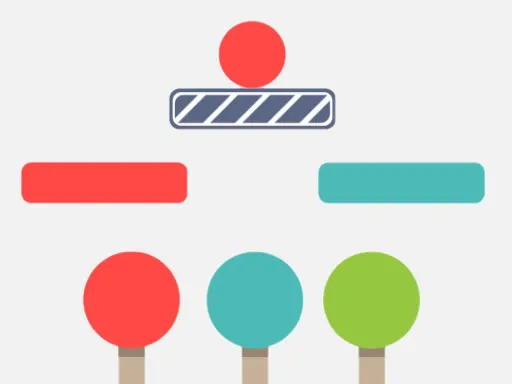
Six small games for little learners are bundled into one simple app. App For Kids suits the living room or an early classroom, and it works best when a parent or teacher joins in, helping children recognize letters, pictures and sounds.
The lineup covers an alphabet game, a math game, a piano game, drawing letters, ABC matching and alphabet ordering. Everything runs on one click or tap, so even very young children can take part without fuss. Sitting beside them, naming things aloud and cheering on every success, turns it into a shared activity rather than just screen time.
Game details
| Genre | Puzzle |
|---|---|
| Controls | Mouse or touch |
| Platform | Browser, phone and tablet |
| Cost | Free, no download |
| Screen | 1280 x 800 px |
How to play App For Kids
- Tap or click to open the app.
- Choose one of the six games on offer.
- Join in with your child and name letters and sounds.
- Switch to another game whenever interest fades.
Tips for App For Kids
- Sit with your child and say each letter or sound aloud together.
- Start with the game your child finds most fun, then try the others.
- Keep sessions short; a few happy minutes beat a long, tiring one.
Frequently asked questions
Is App For Kids free?
Yes. App For Kids is free, runs in your browser, and needs no download or sign-up.
What games are in App For Kids?
It includes an alphabet game, a math game, a piano game, drawing letters, ABC matching and alphabet order.
How do children play App For Kids?
With a single click or tap, which makes it easy on touch screens and on computers.
More to play: Puzzle games · Casual games · Hypercasual games · Kids games
Categories
Puzzle Hypercasual Casual Kids
Tags Comments