
About Amgel Kids Room Escape 94
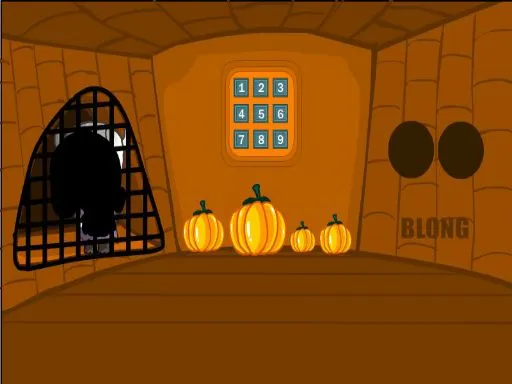
Rooms with a locked door and no obvious key are the whole attraction here. Amgel Kids Room Escape 94 comes from the Amgel Escape series, and the Kids label in the title suggests a room with a younger audience in mind.
Your job is the usual one: look closely, collect the items you find and work out which puzzle each one belongs to. Nothing here depends on quick reflexes, so you can take as long as you like and click at your own pace. It plays with the mouse on a computer or by touch on a phone, and it loads right in your browser.
Game details
| Genre | Puzzle |
|---|---|
| Controls | Mouse or touch |
| Platform | Browser, phone and tablet |
| Cost | Free, no download |
| Screen | 800 x 480 px |
How to play Amgel Kids Room Escape 94
- Click around the room to inspect objects and furniture.
- Pick up the items you can collect.
- Try items on different parts of the room.
- Solve each puzzle that stands between you and the door.
- Escape once the final lock opens.
Tips for Amgel Kids Room Escape 94
- Click on everything at least twice; some objects only react after you solve something else.
- Remember the colors and numbers you notice, since they tend to return as codes.
- Stuck? Test each item you carry on every object in the room.
Frequently asked questions
Is Amgel Kids Room Escape 94 free?
Yes. It is free to play in your browser, with no download and no sign-up.
Can I play Amgel Kids Room Escape 94 on a phone?
Yes. Tap on objects instead of clicking. On a computer, use the mouse.
What is the goal of Amgel Kids Room Escape 94?
Find items, solve puzzles and unlock the way out of the room.
More to play: Puzzle games · Escape games
Popular topics: point and click








💬 Comments