3D Cars
Played 1 times.


About 3D Cars
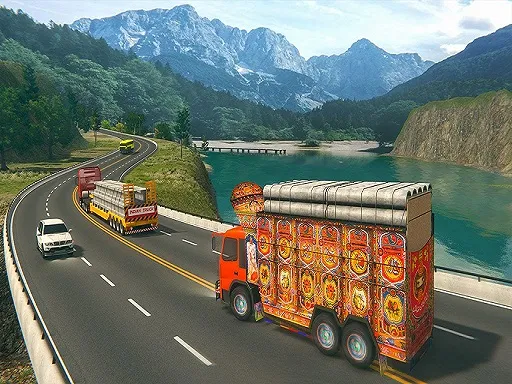
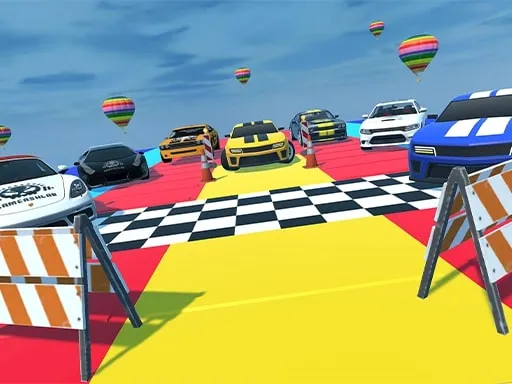
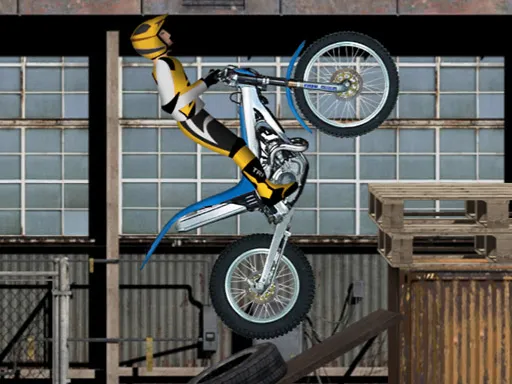
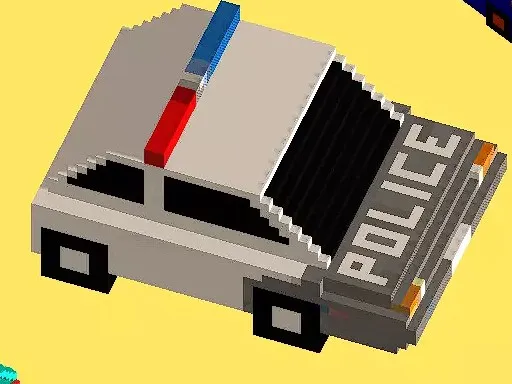
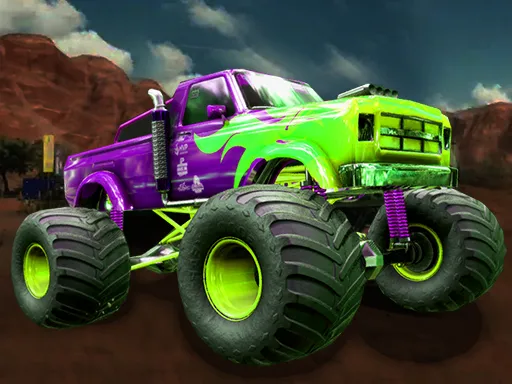
Choose a car, choose a map and drive: 3D Cars keeps its structure that simple. There are multiple cars and multiple maps, so the game is about exploring combinations rather than following a story.
Steer with W, A, S and D. When you want to change vehicle or location, press Escape or Tab to get back to the main menu. Trying each car on the same map is a good way to feel the difference between them. The game runs in your browser and costs nothing, and a session can be as short as you like.
Game details
| Genre | Racing |
|---|---|
| Controls | Keyboard |
| Platform | Browser, phone and tablet |
| Cost | Free, no download |
| Screen | 960 x 600 px |
How to play 3D Cars
- Pick a car and a map from the menu.
- Drive with W, A, S and D.
- Press Escape or Tab to return to the main menu.
- Choose another car or map and compare.
Tips for 3D Cars
- Test every car on the same map to feel how they differ.
- Use gentle steering at speed to stay in control.
- Switch maps when one begins to feel too familiar.
Frequently asked questions
Is 3D Cars free to play?
Yes. 3D Cars is free, browser-based and requires no download or sign-up.
How do I control the car in 3D Cars?
Use W, A, S and D to drive. Press Escape or Tab to go back to the main menu.
What choices does 3D Cars offer?
You can choose from multiple cars and multiple maps, then drive around freely.
More to play: Racing games
Categories Tags Comments